Twitch · Kick · Telegram · Push
From Twitch & Kick Live straight to Telegram on your phone
Streamboard sends Twitch and Kick go-live alerts to your Telegram group or channel – without hosting a bot of your own. You invite the Streamboard bot with one button, and every live start lands as a push on the lock screen instead of getting lost in a feed.
Start free – connect with Twitch or Kick.
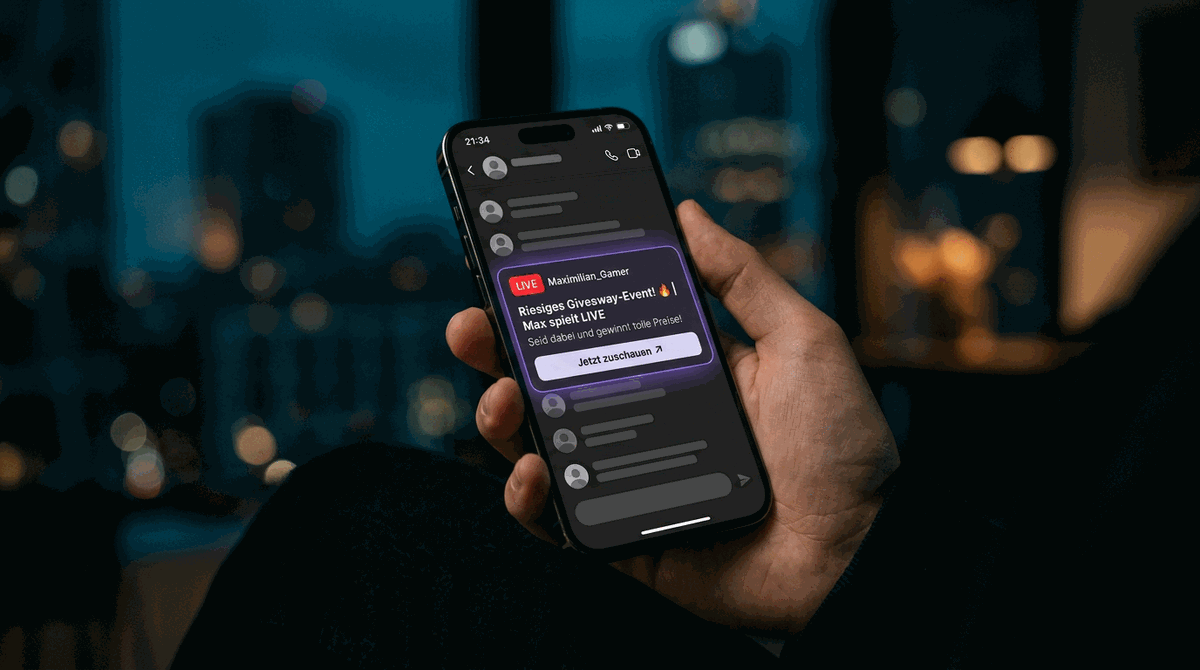
Telegram in the context of Streamboard
Telegram complements Discord server notifications and the same live signals from Twitch EventSub and Kick. Overview: Features · common questions: FAQ. How Telegram and Discord alerts work together with the stream analytics in your dashboard is explained in our blog overview of alerts and stream data.
How Twitch or Kick live reaches the phone
Twitch fires via EventSub, Kick via the official Kick webhook (polling only as a fallback) – Streamboard orchestrates the message, Telegram delivers it as a push to viewers. Fast, readable, with your title and link.
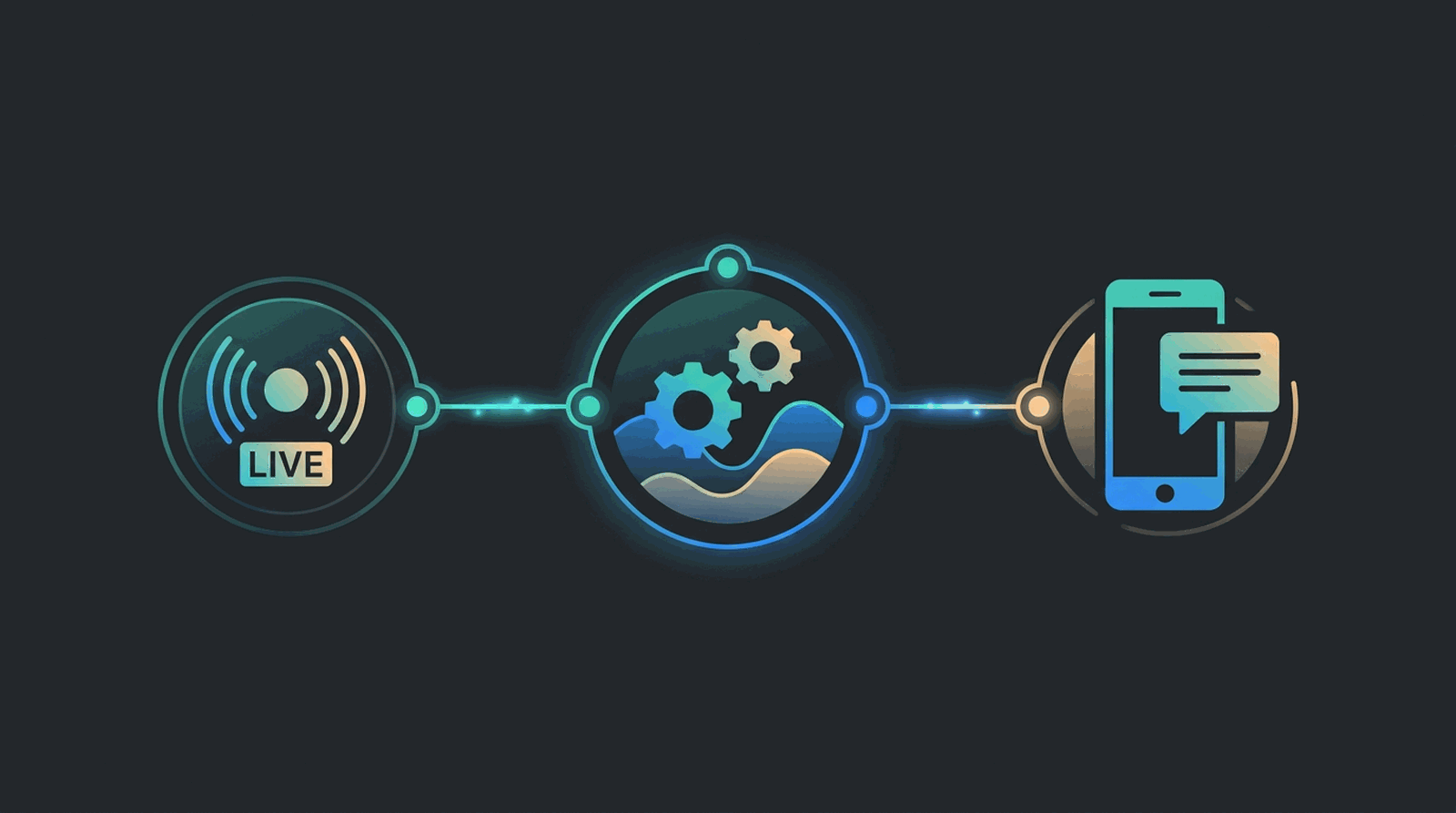
Twitch or Kick goes live
Twitch via EventSub webhooks, Kick via linked channel – your live start is detected within seconds.
Streamboard routes
Your board maps the signal to the notification target Telegram – including text, preview and tracking link.
Push on the phone
Followers receive the message directly on their smartphone – ideal for on-the-go and second screen.
Same targets for both platforms
Use the same Telegram target and templates for Twitch and Kick – one setup, multiple streaming platforms.
Setup in four steps – no installation
Streamboard is a hosted service: no download, no bot of your own, no server. You click through it once – after that Twitch and Kick go-live run to Telegram automatically, and the channel analytics sit in the same account.
Connect your account
Sign in with Twitch – or link your Kick channel via OAuth in your profile. Twitch live then runs on EventSub, Kick on the official Kick webhook.
Invite the bot
Pick Telegram in the dashboard and invite the Streamboard bot into your group or channel with one button. In channels the bot needs admin rights to post.
Adopt the chat as target
Streamboard detects the chat automatically; alternatively you send the displayed /link command in the chat. You never have to look up a chat ID.
Save a template and test
Save a template with placeholders such as {stream_title} and {watch_url}, go live and check that the push arrives.
Twitch vs. Kick → Telegram
Both platforms share the same Telegram targets and templates – only the live detection method differs.
Twitch → Telegram
- Go-live via official EventSub webhooks
- Low-latency, event-driven signal
- Same Telegram target & templates
Kick → Telegram
- Channel linked via Kick OAuth
- Official Kick webhook, polling only as a fallback
- Same Telegram target & templates
Why Telegram works for your audience
Messengers are personal. A well-placed live notification feels less like advertising and more like "your creator is here" – whether you stream on Twitch or Kick.
For viewers
- Instant visibility on the lock screen
- One tap back to the stream or announcement
- Works alongside Discord & other channels
For you as a creator
- Additional notification target besides Discord
- Reach where communities already maintain groups
- Unified logic for Twitch, Kick and other targets
Frequently asked questions about Telegram live notifications
How do I get a Telegram notification when a Kick streamer goes live?
Link the Kick channel in Streamboard, invite the Streamboard bot into your Telegram group or channel and save that chat as a notification target – from then on the go-live push is automatic. It is triggered by the official Kick webhook event livestream.status.updated; periodic polling only runs as a fallback for missed events. The message carries the stream title, category and the link to the stream.
Do I need a Telegram bot of my own for this?
No. Streamboard brings its own bot; you invite it into your group or channel with a button. There is no bot token to paste and nothing to install – Streamboard is a hosted service and runs in the browser.
Does this work for Twitch too – and for both platforms at once?
Yes, both at the same time. Streamboard detects Twitch live via EventSub and Kick via the official Kick webhook. The same Telegram target and the same templates serve every linked channel, and the same live signal can additionally go to Discord.
Does the message land in a group or in a channel?
Both are possible, you decide per target. Telegram keeps groups and channels apart, so the dashboard offers one invite button for each; in a channel the Streamboard bot has to be an admin with posting rights. Several groups and channels in parallel are possible.
How fast does the notification arrive?
Usually within a few seconds of the live start. Both platforms report the status change event-driven – Twitch via EventSub, Kick via the official webhook – so Streamboard does not have to wait for a polling interval. If an event is lost, polling steps in as a fallback and the message arrives correspondingly later.
What does Telegram cost as a notification target?
Telegram is a regular notification target, not a separately sold add-on: you start for free, link Twitch or Kick and create your Telegram targets. Because Streamboard is hosted, there are no costs for servers, hosting or a bot installation of your own. The named unfollower insights on Twitch come with Premium.
Add Telegram to your board
Connect Twitch or Kick, set up your Telegram target and test the first live push – we'll guide you in the dashboard and community.