Kick · Live Detection · Multichannel
Discord bot for Kick.com live notifications – plus Telegram
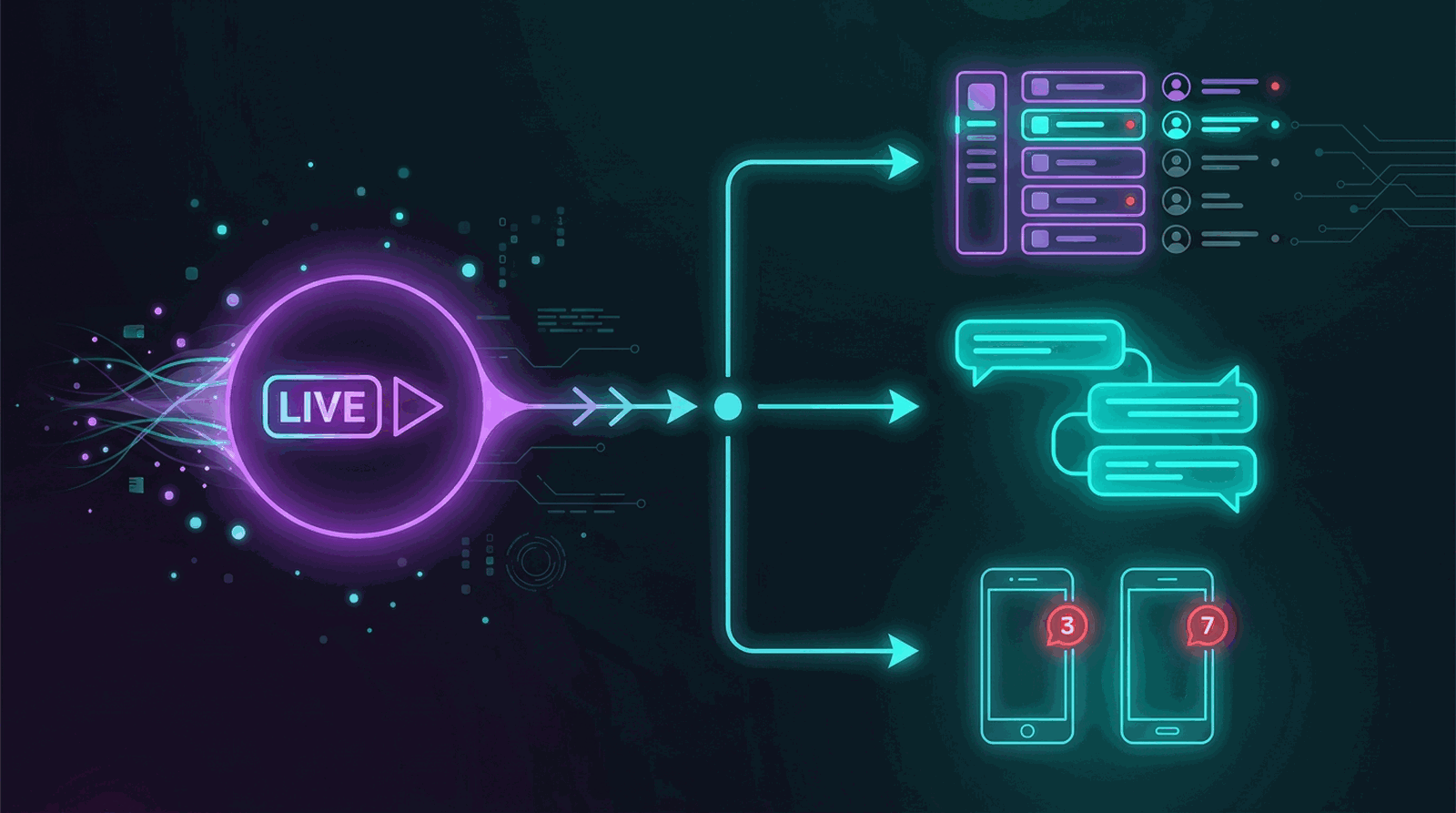
Yes, Streamboard is a Discord bot for Kick.com live notifications: it subscribes to the official Kick webhook livestream.status.updated for your channel, polling runs only as a fallback for missed events, and when your stream ends the Discord message is finalized – updated or cleaned up, depending on your setting. The same live signal can also go to Telegram, with the same templates as Twitch.
Kick in the context of Streamboard
Kick complements Discord server notifications and Telegram mobile alerts alongside Twitch EventSub. Overview: Features · questions: FAQ. How Discord and Telegram notifications work together with stream analytics is summed up in our Streamboard overview on the blog.
How Kick go-live reaches your community
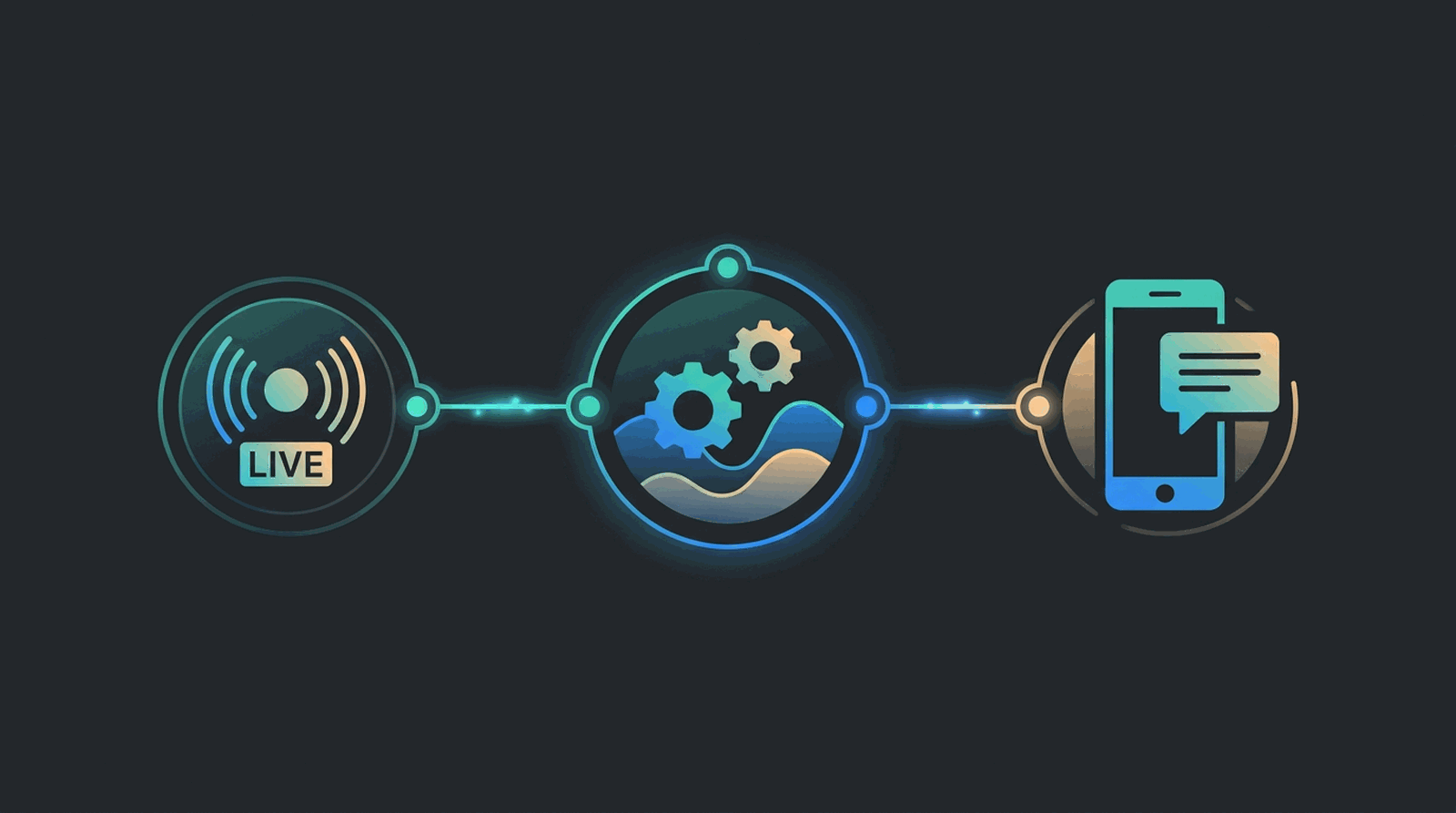
Link your Kick channel once. When you start streaming, Streamboard detects the live status and posts to your configured Discord channels and Telegram targets – fast, formatted, with your stream link.
Link Kick channel
Connect your Kick account in your profile – OAuth links your channel as a live source.
Streamboard detects live
Kick reports the switch to live through its official webhook; a polling pass catches missed events. Streamboard turns that into your notification.
Route to targets
The signal goes to Discord channels, Telegram, or other configured targets – same templates as Twitch.
Community gets the alert
Followers see a clear go-live message with title, preview, and stream link – no manual posting.
Live detection: the official Kick webhook, not a schedule
For every linked Kick channel, Streamboard subscribes to the official Kick webhook event. The switch to live arrives as an event, not as the result of a polling interval. A regular polling pass covers the cases where a webhook fails to arrive.
- Subscribed event: livestream.status.updated – covers online and offline changes of your Kick channel.
- Kick delivers the event straight to Streamboard; the notification is built from it without a detour.
- Polling runs as a fallback: it catches missed events and refreshes the viewer count during a running stream.
- When the stream ends, the message that was already sent gets finalized – no stale live notice in the channel.
Twitch vs. Kick in Streamboard
Both platforms share the same notification targets and templates – only the live detection method differs.
Twitch
- Go-live via official EventSub webhooks
- Low-latency, event-driven signal
- Same Discord & Telegram targets
Kick
- Channel linked via Kick OAuth
- Live detection via the official Kick webhook, polling as a fallback
- Same Discord & Telegram targets
Kick notifications compared by category
What sets Kick tools apart: live detection, destinations, and language. This compares categories, not individual products.
| Criterion | Streamboard | Discord bots specialized in Kick | All-round Discord bots |
|---|---|---|---|
| Kick live detection | Official Kick webhook livestream.status.updated, polling only as a fallback | Kick live detection is offered; the method is not named on the home pages we checked | Kick alerts exist in some cases; the focus is on moderation |
| Discord as destination | Yes – several servers and channels, each target with its own template | Yes – Discord is the core destination of this category | Yes – usually one plugin among many |
| Telegram as destination | Yes – the same Kick signal is also sent to Telegram | Not offered on the home pages we checked | Not offered on the home pages we checked |
| Multiple Discord servers per Kick channel | Yes – one linked Kick channel serves targets on several servers and in several channels, each with its own template | Not covered by our research – please verify with the individual provider | Not covered by our research – please verify with the individual provider |
| German-language interface | Yes – interface and content in German and English | English only at the providers we checked, no German-language pages | Partly multilingual, but without German-language Kick documentation |
| Twitch and Kick in one setup | Yes – Twitch EventSub and Kick share targets and templates | Usually several platforms, but configured separately per bot | Twitch focus, Kick as an add-on feature |
The category statements are based on the home pages of the providers we checked, as of August 2026. Individual products may differ; check the provider page if in doubt.
Kick live on your phone via Telegram
Not every community lives on a Discord server. With Telegram as a second target, your Kick go-live arrives as a push on the lock screen – the same live signal, the same template, no second tool. According to the home pages of the providers we checked, as of August 2026, the Discord bots that specialize in Kick do not offer a Telegram target.
Common questions about Kick streaming tools
What tools can I use for Kick streaming?
Kick streamers need channel linking, live detection, and community alerts. Options include multistream tools, Discord bots with Kick support, and platforms like Streamboard that route Kick go-live to Discord and Telegram with the same templates as Twitch.
Can I send Kick go-live alerts to Telegram?
Yes. Telegram is a first-class notification target for Kick: the same live signal, the same templates as with Discord. According to the home pages of the providers we checked, as of August 2026, the Discord bots that specialize in Kick do not offer a Telegram target.
Is there a bot for Kick that posts to Discord and Telegram?
Yes. Streamboard routes a single Kick live event to Discord channels and Telegram targets in parallel. You create both targets in the dashboard; one setup serves your server community and mobile push at the same time.
How does the Kick webhook reach my Discord server?
Streamboard subscribes to the official Kick webhook event livestream.status.updated for your linked channel. Kick reports online and offline changes directly to Streamboard, which builds the message and posts it to the Discord channels you configured. A regular polling pass runs only as a fallback for missed events.
Does Streamboard have a Kick chat bot?
No. The chat bot with commands and chat statistics works on Twitch only. For Kick, Streamboard covers live detection and notifications, not the Kick chat itself.
What Kick statistics does Streamboard provide?
For Kick, Streamboard records the viewer curve of the running stream and stores stream snapshots for later review. There is no follower or subscriber analysis for Kick like the one available for Twitch.
What happens to the alert when my Kick stream ends?
Streamboard detects the end of the stream and finalizes the message it already sent – depending on your setting it is updated or cleaned up instead of leaving a stale live notice behind. This applies to Discord and to Telegram targets.
Can I notify multiple Discord servers when I go live on Kick?
Yes. One Kick channel can serve notification targets on several Discord servers and in several channels, each with its own template.
How reliable are the Kick notifications?
Live detection is event-driven: Streamboard subscribes to the official Kick webhook event livestream.status.updated for your channel, so Kick reports the switch to live directly. Every webhook is checked against its Kick signature, and a webhook delivered twice is processed only once. If a webhook does not arrive, a regular polling pass catches the missed live start or stream end as a fallback. When the stream ends, the message that was already sent is finalized instead of staying behind as a stale live notice.
Can I send Kick and Twitch to the same Discord server?
Yes. Twitch and Kick are separate live sources in Streamboard, and their Discord targets can live on the same server – even in the same channel. You create one target per platform; both use the same bot and the same template features, and you adjust the template per target.
Step-by-step guides for Kick
Two short guides walk you through the complete setup – pick the one for your destination.
Add Kick to your notification setup
Link your Kick channel, configure Discord and Telegram targets, and test your first live alert – we guide you in the dashboard.